.avif)

TL;DR:
Pre-checkout upselling is one of the most effective ways to boost your AOV on Shopify. By strategically offering relevant products before customers reach checkout, you can significantly increase order values while enhancing the shopping experience. This guide covers the technical setup, best practices, and tools for implementing effective cart upsells on Shopify.
Cart upselling is about presenting additional items or upgrades right before the customer proceeds to checkout. This is a crucial phase to increase your AOV because:
Enhanced customer experience: When done right, it feels like a helpful suggestion rather than a hard sell. It adds value to the customer’s purchase, making them feel like they are getting more for their money.
There are several proven methods for setting up effective pre-checkout upsells on Shopify:
1. Cart Page Upsells
On your cart page (or cart drawer), you can offer products that complement what they’ve already added. This can include:
Example: A customer adds a skincare serum to their cart. You can suggest a complementary moisturizer with a message like, “Complete your skincare routine with this moisturizer at 15% off!”
2. Volume-Based Offers
Offer discounts or bonuses when the customer reaches a certain cart value, such as:
This type of offer encourages customers to add more items to their cart before checkout, increasing your AOV.
3. Time-Sensitive Offers
Introduce urgency by adding limited-time offers. For example:
This creates a sense of urgency, motivating customers to act quickly and increase their order value.
Implementing pre-checkout upsells is a straightforward process that can be done in several simple steps. Here's how you can do it effectively:
Step 1: Choose Your Upsell Placement
Step 2: Select an Upsell Tool or App
While Shopify offers the flexibility to customize your cart, many merchants opt for apps to streamline the pre-checkout upsell process. These apps are easy to implement and don’t require coding. Some popular tools include:
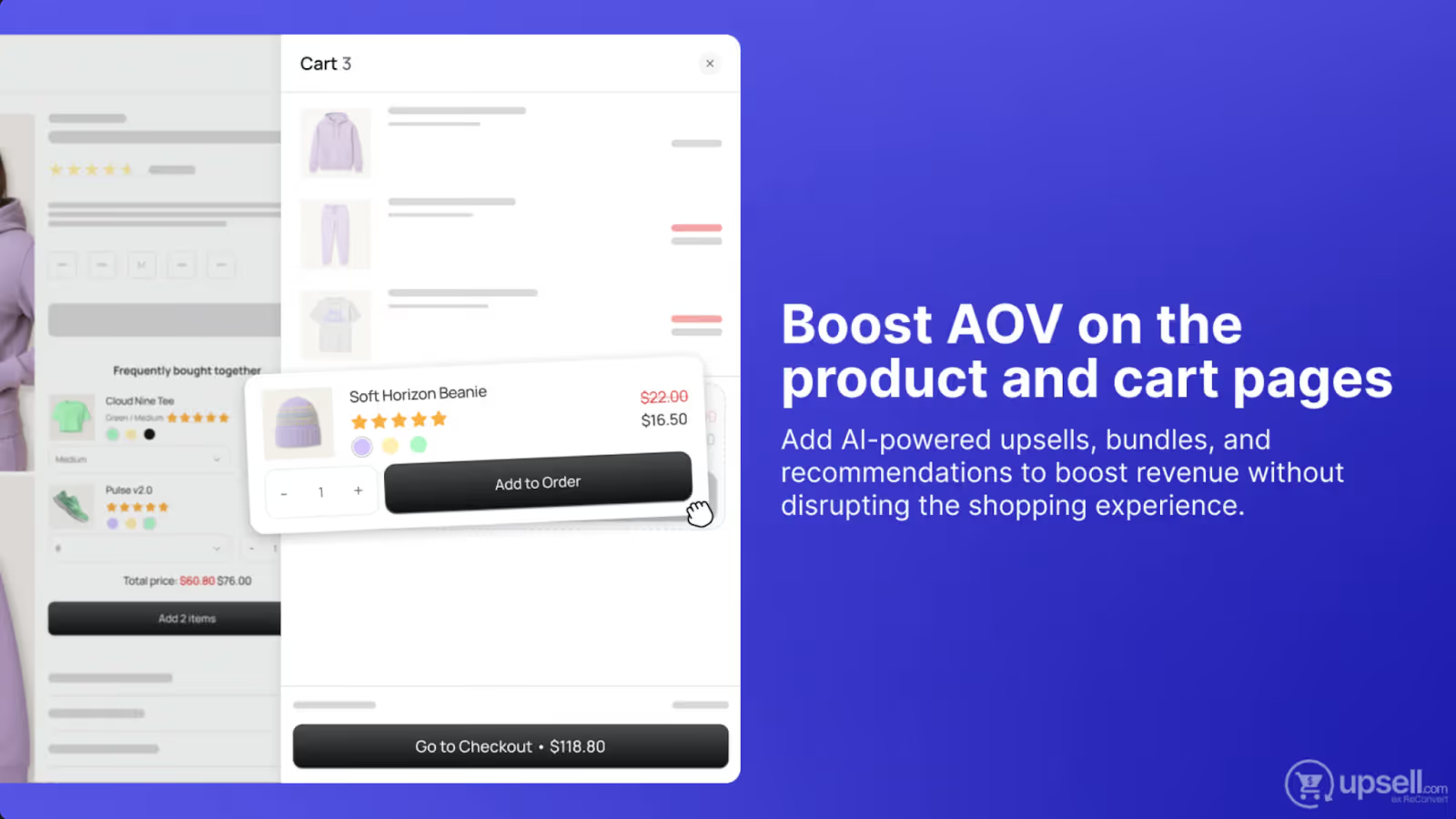
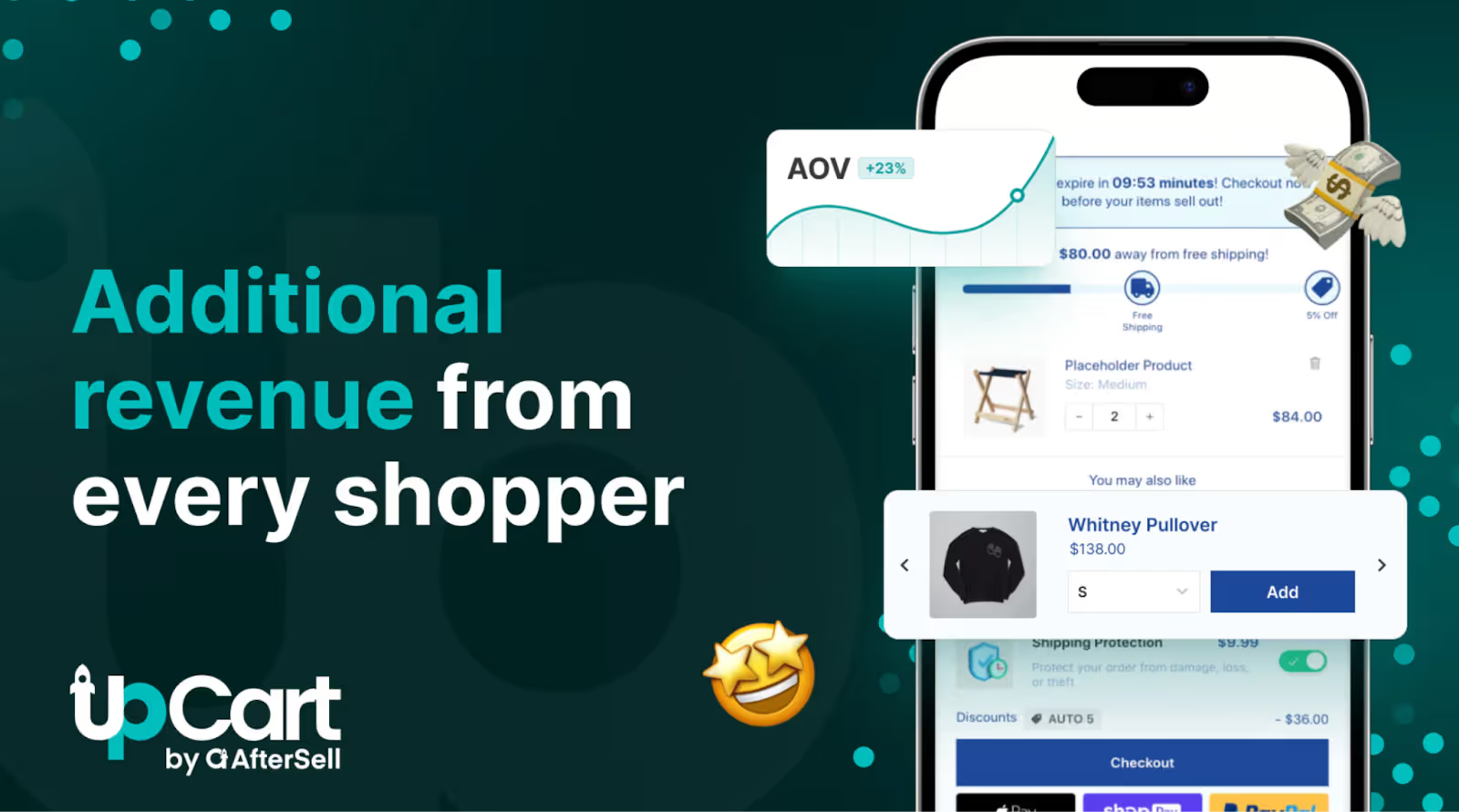
These apps integrate smoothly with Shopify and provide automatic product recommendations, discounts, and flexible upsell setups. Additionally, integrating tools like Loop Subscriptions can help elevate your upsell strategy by offering recurring purchase options and subscription-based incentives that tie into long-term customer retention. A well-executed upsell strategy combined with subscriptions can drive continuous revenue growth.
Step 3: Offer Relevant Upsells
Your upsell offers should be directly tied to the products already in the customer's cart. The more relevant the upsell, the more likely the customer will add it to their cart. Relevant upsells help increase AOV and customer satisfaction.
Offering complementary items makes the upsell feel like a helpful suggestion, not a hard sell.
Step 4: Implement Upsell Logic (No Code Required)
You don’t need to write code to set up pre-checkout upsells on Shopify. Most apps like ReConvert and UpCart let you implement upsell logic through their user-friendly interfaces, so no coding is required. Here’s how it works:
Step 5: Test and Optimize
After setting up your upsell offers, it’s important to test and measure their effectiveness. Here’s how to optimize your pre-checkout upsell strategy:
To maximize the effectiveness of your pre-checkout upsells, follow these best practices:
1. What are pre-checkout upsells on Shopify?
Upsells offered on the cart page or in the cart drawer, encouraging customers to add more items before checkout.
2. Why should I use pre-checkout upsells?
They help increase AOV by presenting additional items while customers are already in shopping mode, improving revenue without extra traffic.
3. How do I set up pre-checkout upsells?
4. Do I need to code for pre-checkout upsells?
No, upsell apps like Bold Upsell and UpCart do not require custom coding.
5. Best practices for pre-checkout upsells?
6. How do I measure pre-checkout upsell success?
Track AOV, conversion rate, cart abandonment, and gather customer feedback.
7. What products should I upsell?
8. Can pre-checkout upsells work on mobile?
Yes, with mobile-optimized apps like UpCart, pre-checkout upsells are effective on mobile devices.
9. How to reduce cart abandonment with upsells?